
SoundSync for JUCE and Native C++
SoundSync for JUCE
Processor-owned licensing and customer access for JUCE, with Windows and Apple source packages.
Licensing lives in the processor
The current JUCE package is a complete source integration with a processor-owned licensing runtime and editor component. Own SoundSyncJuceProcessorLicense for the processor lifetime. The editor attaches the activation UI; it must not be the only place that refreshes or enforces licensing.
Windows package targets produce VST3. Apple package targets produce VST3 and AU. These build targets are not a claim that every host or OS version has been runtime-tested.
Current online requirement
JUCE 0.7.0 requires online renewal at startup. Valid saved credentials are reused without repeated sign-in, but offline audio access is unavailable in this release. HISEScript offline grace is a different package policy.
SoundSync
Integrate the current package
-
Generate for the saved product
Download the current Windows or Apple 0.7.0 source package. Read START_HERE_FIRST.txt, README.md, and Docs/LicensingSecurity.md.
-
Add the CMake target
Load your JUCE checkout first, enable SOUNDSYNC_BUILD_JUCE_COMPONENTS, add the package subdirectory, and link soundsync_juce.
-
Use the licensed processor base
Derive from SoundSyncLicensedAudioProcessor and preserve your buses, parameters, state serialization, and other processor overrides.
-
Move your DSP callbacks
Rename processBlock to processLicensedBlock and custom bypass callbacks to processLicensedBlockBypassed. The base owns final float, double, and bypass entry points, checking before and after DSP.
-
Attach the editor
Keep SoundSyncJuceEditorAttachment as the last editor member and initialize it with the editor and processor.soundSyncLicense(). It manages activation, Store/My Products, bounds, and portal closing.
-
Test without an editor
Exercise unauthorized startup, MIDI cleanup, sidechains, and continuing revalidation with the editor closed.
-
Rebuild old releases
Replacing source does not update compiled binaries. Rebuild, sign where applicable, test, and distribute the updated product.
Custom processor bases
If your existing processor must retain a custom base class, own SoundSyncJuceProcessorLicense for the processor lifetime and attach SoundSyncJuceDropIn to that same instance. Guard every float, double, and bypass callback before AND after DSP using audioGate()->processOutputs(buffer, midi, getTotalNumOutputChannels()); return when the guard reports locked access.
Pass the output channel count, not all inputs or sidechains. The older buffer-only guard is not suitable for arbitrary host buffers. The recommended licensed base supplies these guards without manual startup, timers, or an extra UI unlock boolean.
Keep blocking work off the audio thread
The guard reads the native access gate and clears unauthorized output. Do not make HTTP requests, read files, activate, validate, or deactivate from processBlock. The processor-owned worker performs renewal independently of editor visibility.
SoundSyncJucePublicState::mayOpenProduct is appropriate for protected controls, preset loading, and exports. A UI boolean is not a replacement for the processor audio guard.
SoundSync
Package areas
| Path | Responsibility |
|---|---|
| START_HERE_FIRST.txt | Current installation and release requirements |
| CMakeLists.txt and modules/soundsync_juce | Build target and JUCE module integration |
| include/soundsync/juce | Processor, client, public-state, audio-gate, and UI interfaces |
| src | JUCE runtime and components |
| native | JUCE package native authority and local machine state |
| examples | Plugin and standalone wiring references |
| Docs | Security, setup, storage, lifecycle, customer access, troubleshooting, and release checks |
Login, serials, and customer browsing
Customer login exchanges account credentials for a hosted customer token before activation. The runtime does not persist the account password or customer session token. The protected machine activation cache is separate from Store/My Products browsing.
Opening Store or My Products does not deactivate the machine. A portal session expiring does not by itself authorize or revoke audio; diagnose the licensing state separately.
Activation and device release
Account login and serial activation are distinct customer paths. A serial requiring ownership proof can enter the email-verification flow; an existing account should sign in rather than silently creating another identity. Saved machine credentials restore without consuming a new activation while valid.
Deactivation locks locally immediately and persists the intent before contacting the server. Only confirmed server deactivation proves the device slot was released. Transient renewal failures retry with backoff; a confirmed denial or deactivation does not silently reactivate.
Place Store and My Products where they fit
The editor attachment provides packaged launchers. Custom controls can call openStore(), openMyProducts(), and closeStorefront(), or use createStoreButton() and createMyProductsButton() with the supported style settings. Hide built-in navigation when providing your own controls; do not duplicate account or catalog logic.
The renewal worker remains processor-owned and independent of the editor. Its validation interval is clamped to 5 through 120 seconds; renewal cannot be disabled. Optional licenseProcessingChanged callbacks run on the audio thread and must be realtime-safe.
Release checks
Test fresh startup, saved credentials, unavailable network, expired/revoked access, device limits, deactivation, multiple instances, float/double/bypass processing, and editor-closed operation. Check product ID and branding after regeneration.
Credentials and enforcement shipped in client software can be extracted or modified. Native enforcement raises the integration barrier; it is not a piracy-proof guarantee. Keep developer account tokens and partner secrets out of distributed plugins.
This guide describes the current implementation and package instructions. Source review does not certify every host, operating system, provider delivery, or payment lifecycle. Test the exact build and environment you intend to release.
SoundSync
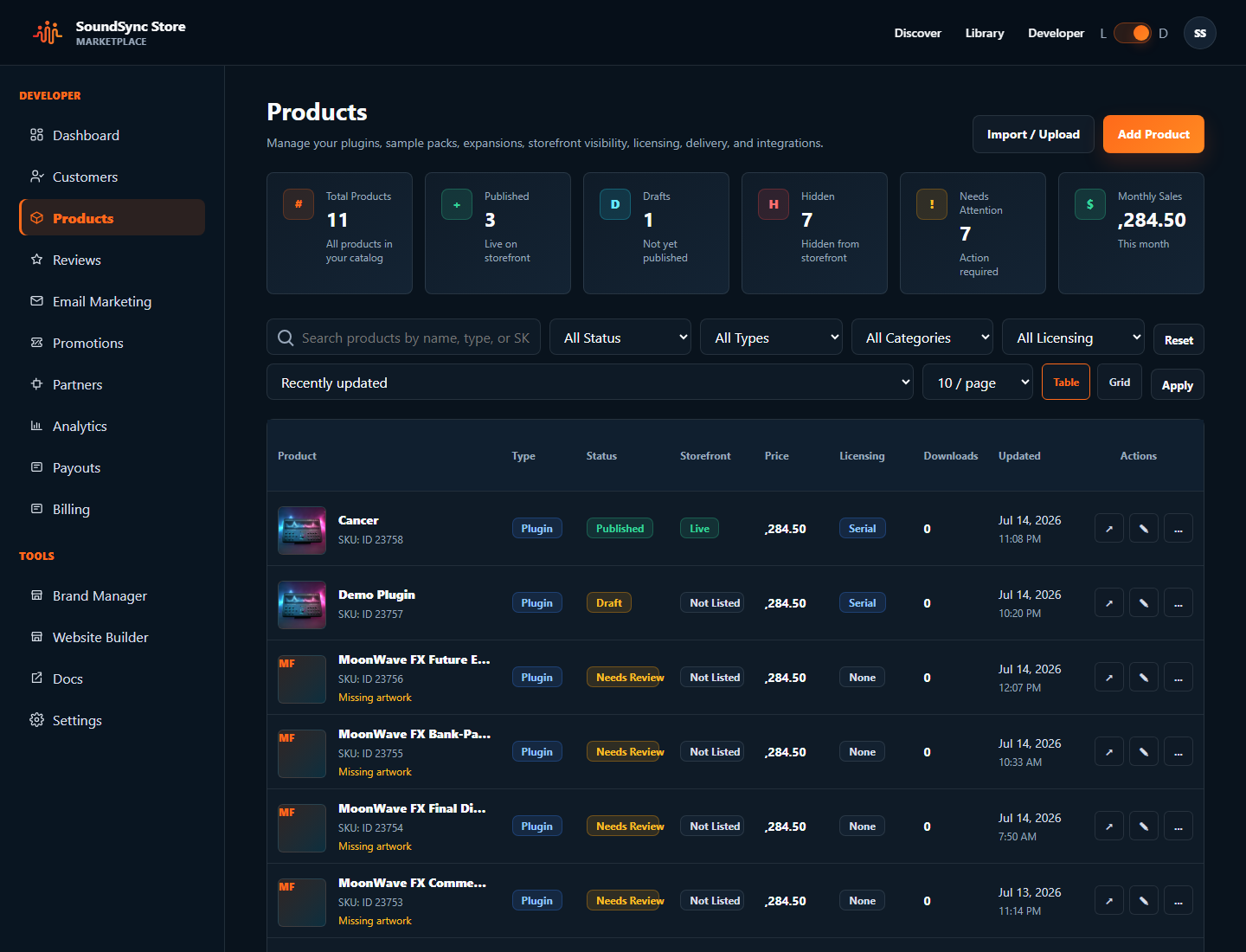
JUCE package status in the developer workspace
Developers can review package readiness, product licensing setup, credentials, and connection state before integrating the JUCE package into a plugin or standalone app.
SoundSync
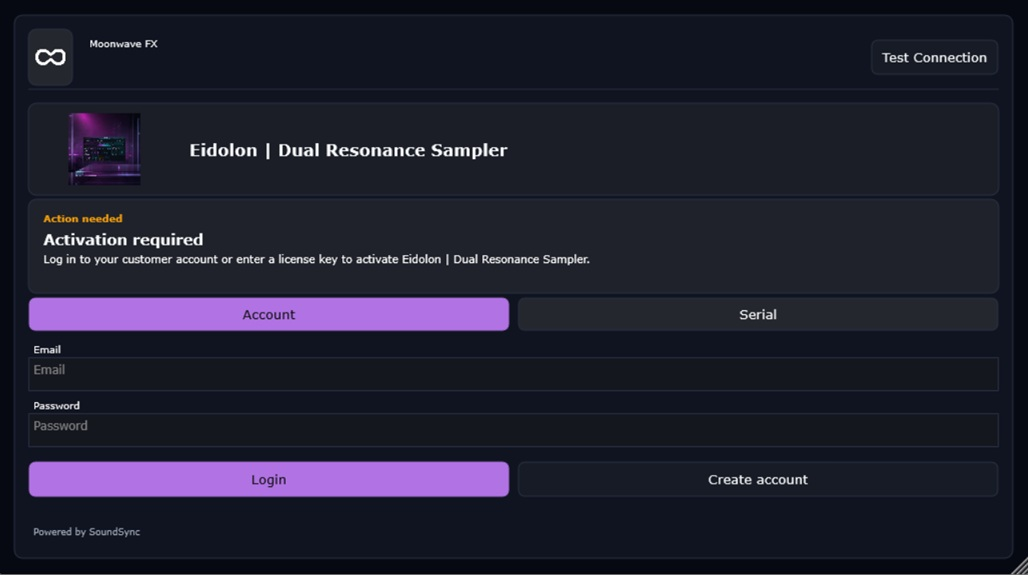
JUCE login activation
The JUCE login screen shows the activation-required state, product identity, customer account path, and connection test access inside a native-styled plugin UI.
SoundSync
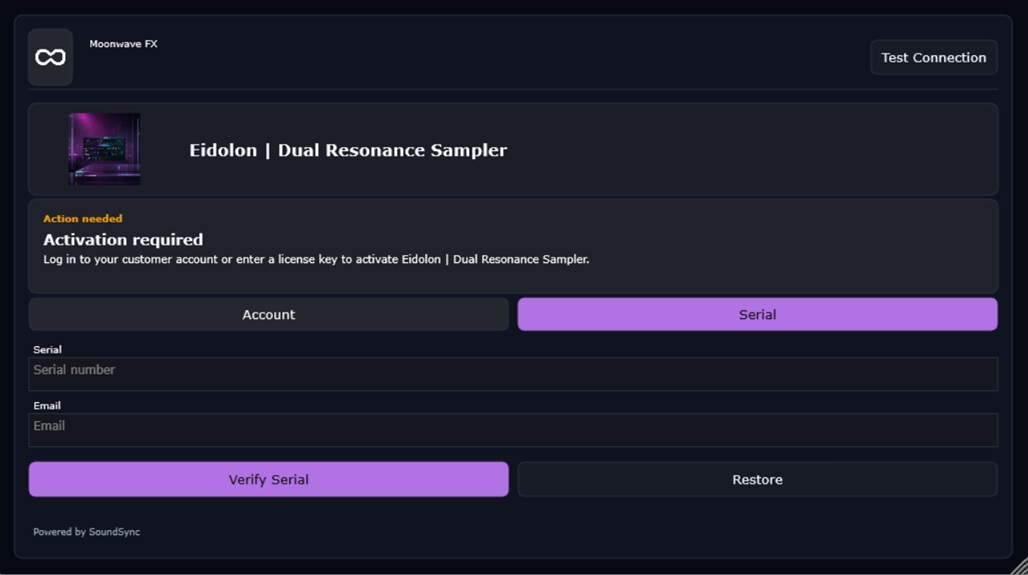
JUCE serial validation
The JUCE serial screen shows serial activation with a customer email field, final validation action, and the same product-scoped access decision used by the package.
SoundSync
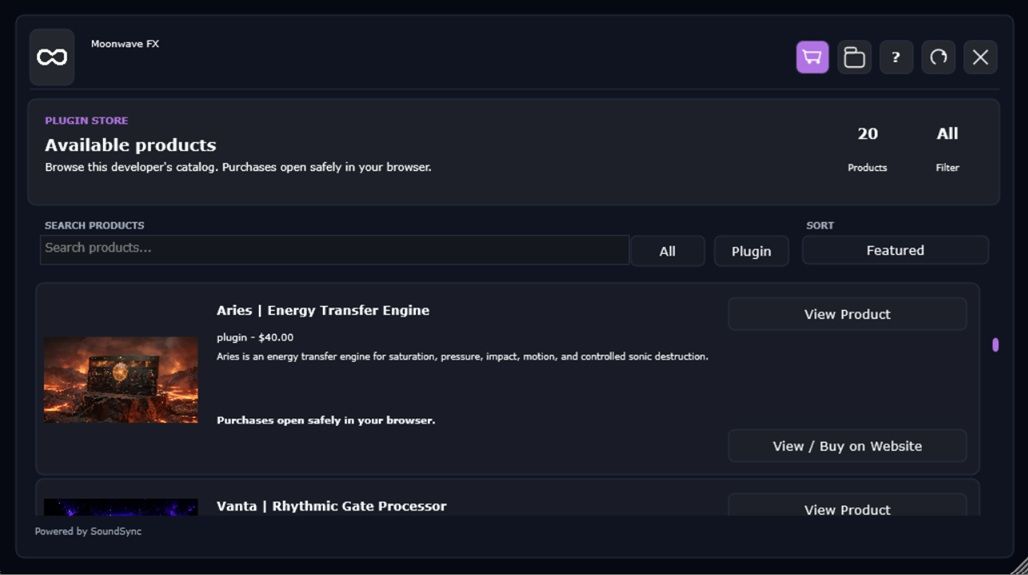
JUCE Store
The JUCE Store screen shows available products, product cards, and customer navigation inside the plugin storefront surface.
SoundSync
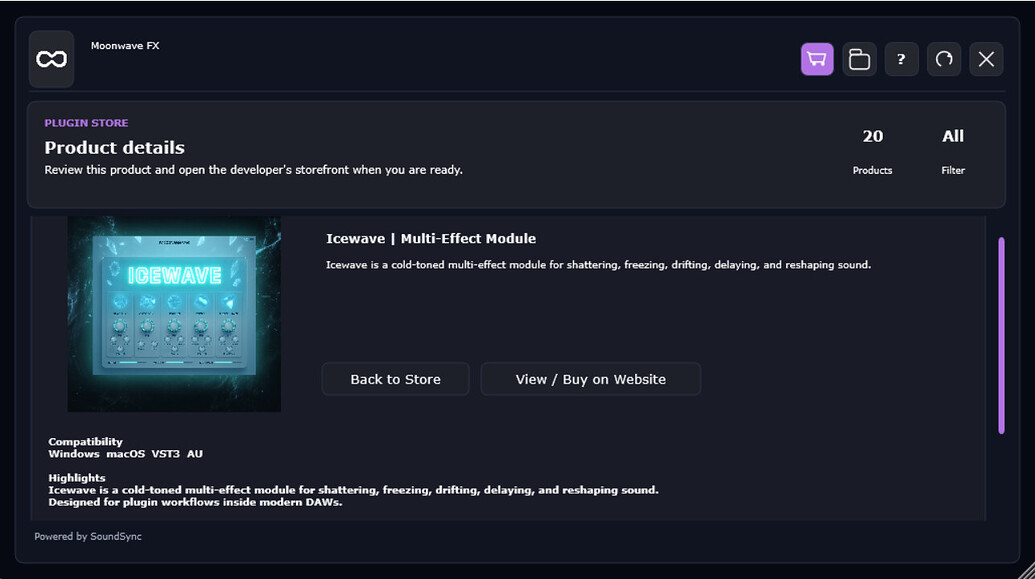
JUCE product detail
The JUCE product detail screen shows product artwork, product information, and the customer action to view or buy through the connected storefront.
SoundSync
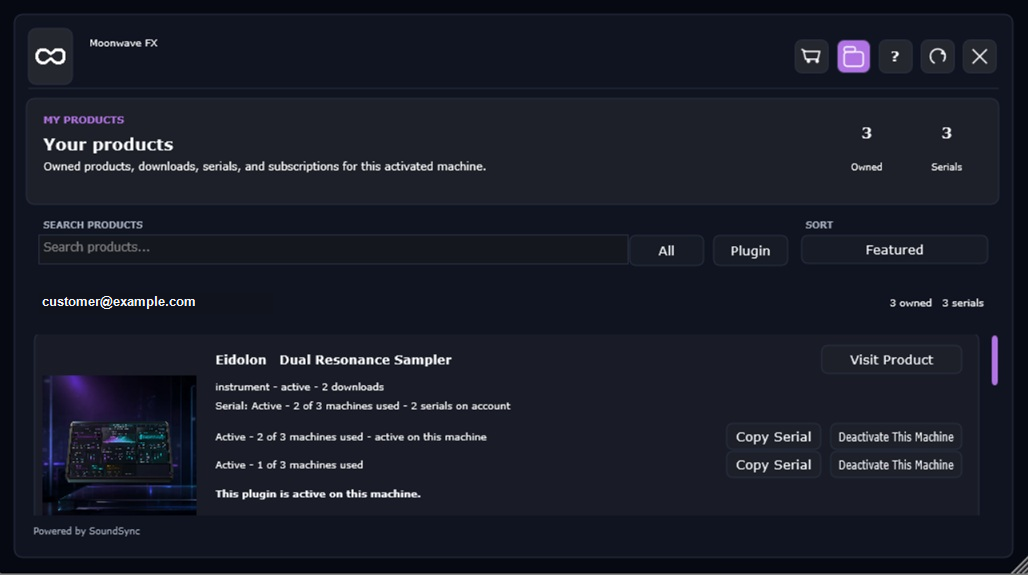
JUCE My Products
The JUCE My Products screen shows sanitized customer identity, owned products, serial state, and device deactivation actions after login.
SoundSync
Inside SoundSync