
Checkout, Orders, Entitlements, and Secure Delivery
Checkout, Payments, and Product Access
Managed checkout connects accurate pricing, payment confirmation, orders, entitlements, and delivery.
Pay with PayPal or Stripe, in USD
PayPal is accepted at SoundSync checkout for one-time purchases. Stripe supports card payments and available wallets. Subscription checkout currently uses Stripe, not PayPal.
SoundSync supports USD only currently. Products are priced and checkout charges are presented in US dollars; a payment provider's conversion into a buyer's account currency does not make checkout multi-currency.
Server-authoritative checkout
SoundSync resolves the supported product offer, final price, eligibility, and customer context on the server. Product revenue after discounts and before tax determines the single 10% managed-sale fee; processing is included.
Minimum paid price
Paid products, subscriptions, and bundles must remain at least $9.99 after discounts, before tax. Free claims follow the redemption model rather than a discounted paid checkout.
Confirmation connects the purchase to access
Provider confirmation, not just a success-page redirect, connects the transaction to order items and customer entitlements. Delivery and plugin activation then use those access records. Stripe and PayPal support one-time managed checkout; subscription checkout uses Stripe.
Know who completes the sale
SoundSync Solutions is Merchant of Record for SoundSync-managed checkout. External reseller fulfillment is a separate path and does not automatically transfer the reseller's legal-seller or tax responsibilities to SoundSync.
SoundSync
Commercial details
SoundSync
Cart and checkout stay connected to access
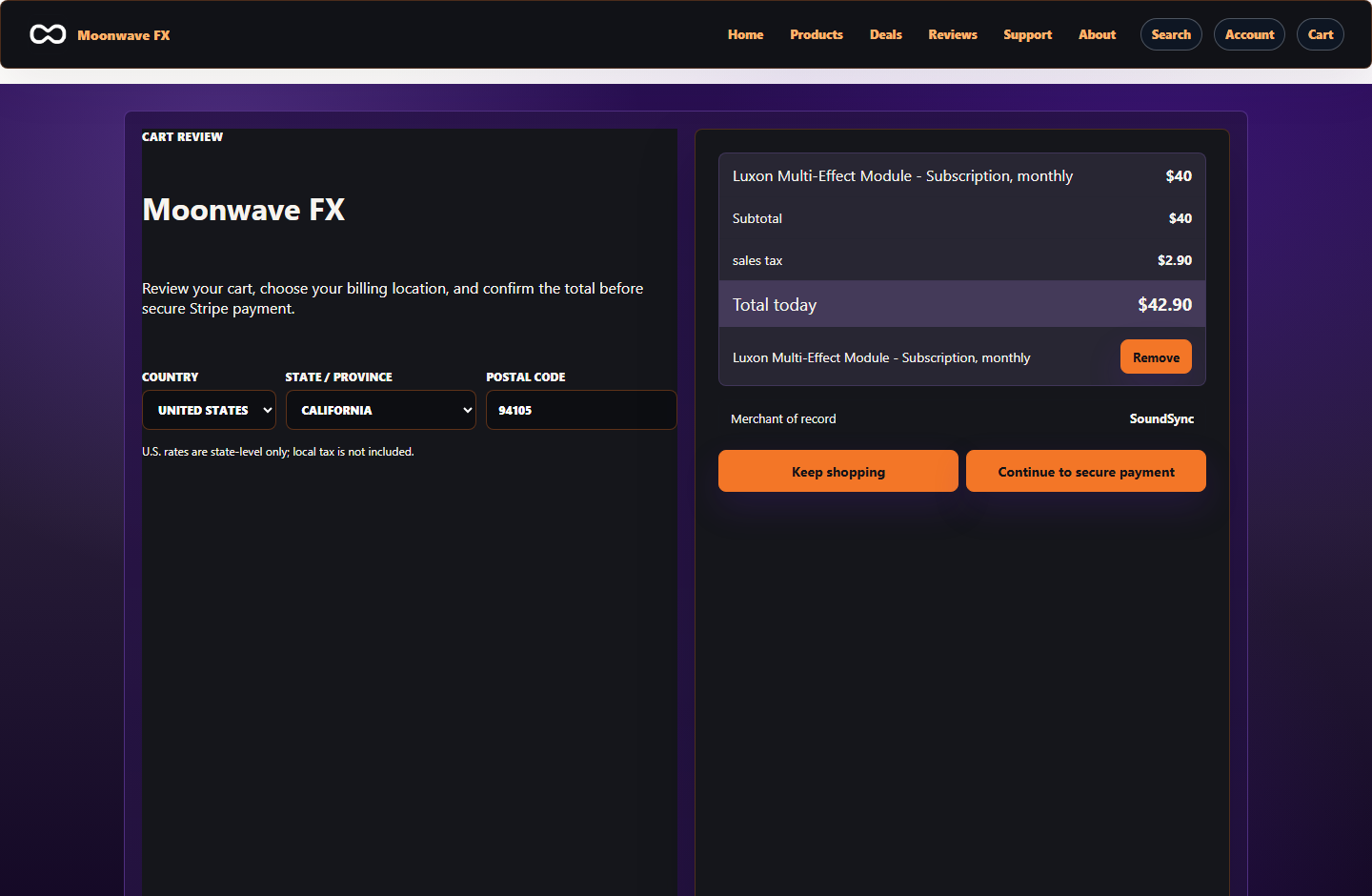
The storefront cart screenshot shows the customer review step, pricing, Merchant of Record context, and checkout handoff before access is granted.
SoundSync
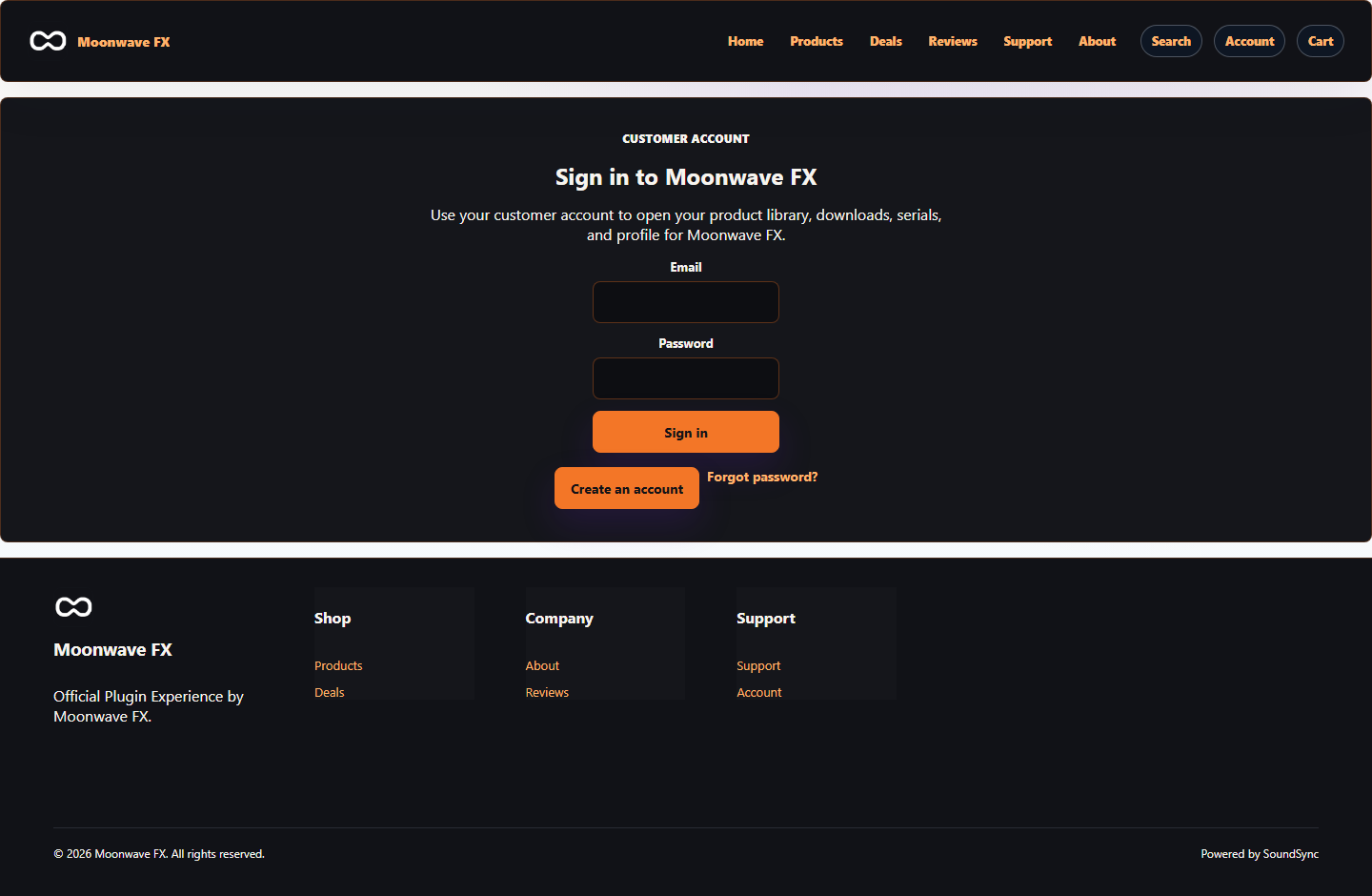
Customer account access follows the transaction
The storefront account screen gives customers a branded path back to product library, downloads, serials, and profile access after purchase.
SoundSync
Inside SoundSync