
Secure Delivery
Secure Product Delivery
Prepare private product files and deliver them through authorized customer access.
Uploading is not publishing
Product-file jobs prepare private delivery assets for an authorized developer/product. A file is not ready for customer delivery simply because bytes finished uploading. Check job verification, attachment, product publication, and customer entitlement.
Supported paths include local uploads, chunked local uploads, direct private-storage uploads, and permitted remote upload links. Limits depend on the configured path; no universal unlimited-file promise is made.
SoundSync
Prepare delivery
-
Choose the product and file
Select the correct version and platform in your own product workspace.
-
Upload through the supported path
Follow the returned upload instructions, including headers and session expiry for a direct upload.
-
Finish and verify
Complete the upload job. The direct path checks the stored object, expected size, and session metadata before attachment.
-
Inspect the result
Review status, failure details, and attached file metadata. Use supported retry/cancel controls instead of blindly repeating an upload.
-
Publish the product
Confirm the intended file/version appears in product and library delivery.
-
Test customer access
Use an eligible customer; also test a customer without access. Developer preview download permission is not the same as customer entitlement.
Download access follows ownership
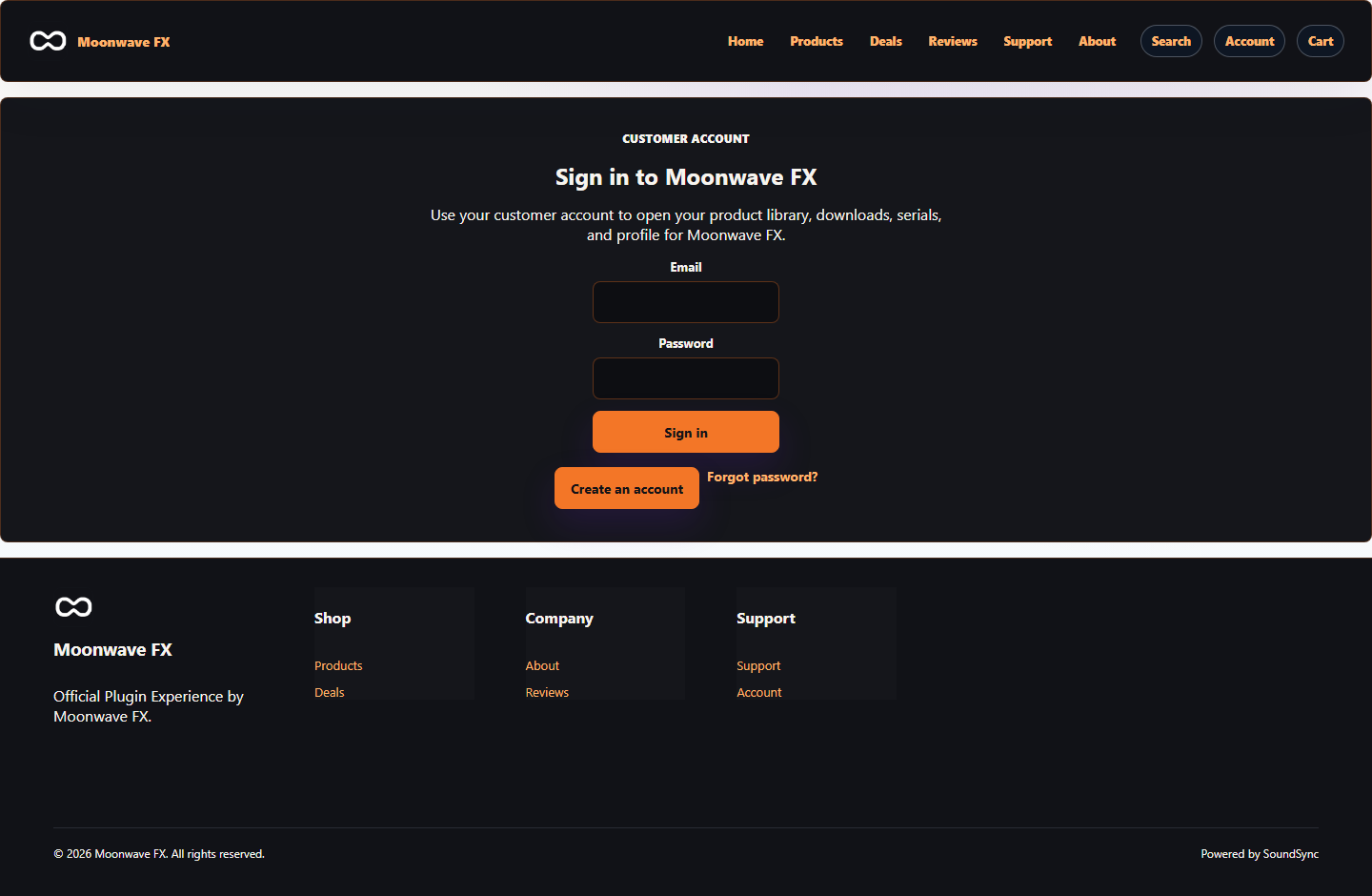
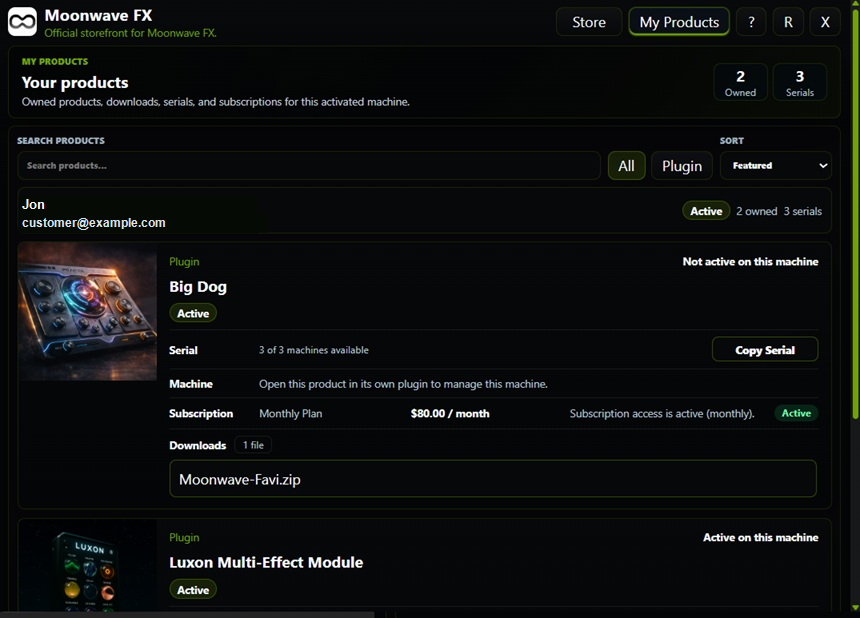
The customer library presents eligible files and related access. Download authorization is checked separately from an order receipt or a raw storage URL. Do not publish private storage keys or signed download links.
Refunds, revocation, and subscription state can change access. Removing a file or hiding an order is not automatically a payment refund.
SoundSync
Inside SoundSync