Subscription Bundles with Upgrades, Downgrades, and Proration
Subscription Bundles and Product Ownership
Offer a recurring catalog with subscription access or keep-your-products ownership, using versioned terms and customer plan changes.
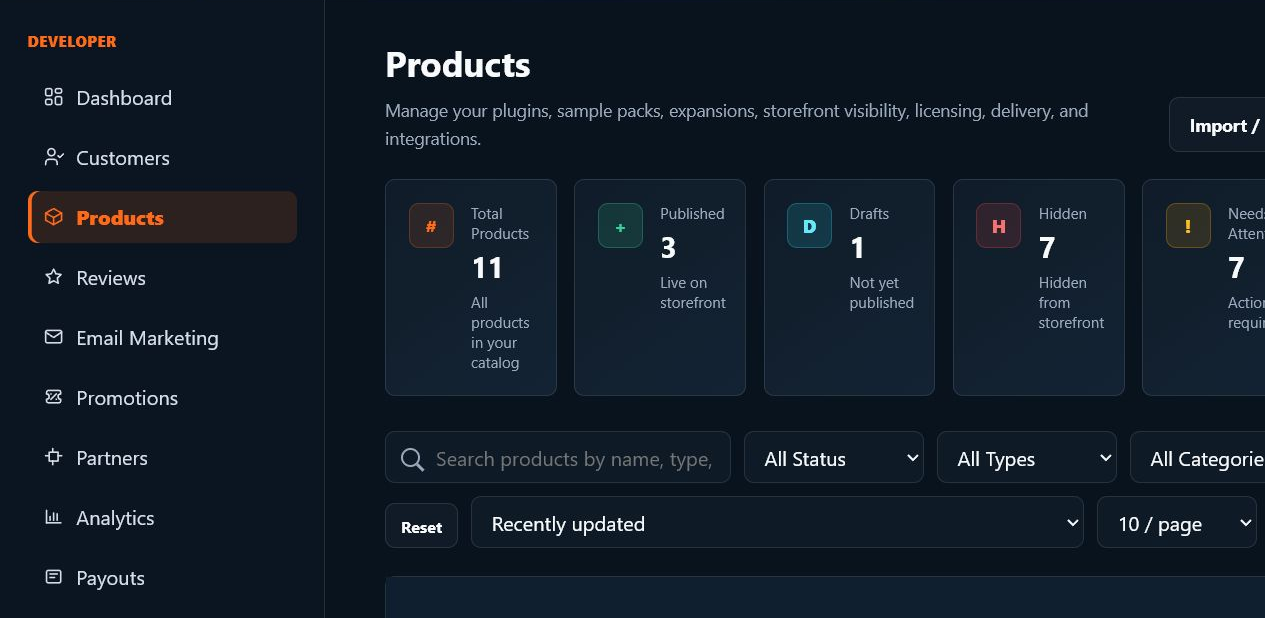
Configure the offer as a versioned bundle
A published bundle has its own identity, currency, interval, price, membership mode, trial/grace policy, and included-product snapshot. Review those values together; changing an individual product does not mean every existing subscriber has changed plan.
SoundSync
Choose what each payment provides
| Fulfillment | While subscribed | After cancellation |
|---|---|---|
| Subscription access | Recurring access to the configured selected-products or all-products catalog | Access follows the paid period, grace, and cancellation policy |
| Keep your products | Verified paid invoices grant ownership of the eligible catalog for that payment | Previously earned ownership remains unless that payment is refunded, reversed, or disputed; future unpaid products are not automatically owned |
Ownership requires a paid invoice
Keep-your-products is a recurring purchase model, not a permanent grant merely because checkout or a trial began. A verified paid invoice and its product snapshot establish the ownership earned for that payment. Unpaid trials, failed invoices, and access-only manual grants do not establish paid ownership.
Refunds and disputes reconcile ownership back to the originating payment. Independent purchases remain intact. New products added later do not retroactively rewrite an older invoice snapshot; inspect the current paid catalog and customer library.
SoundSync
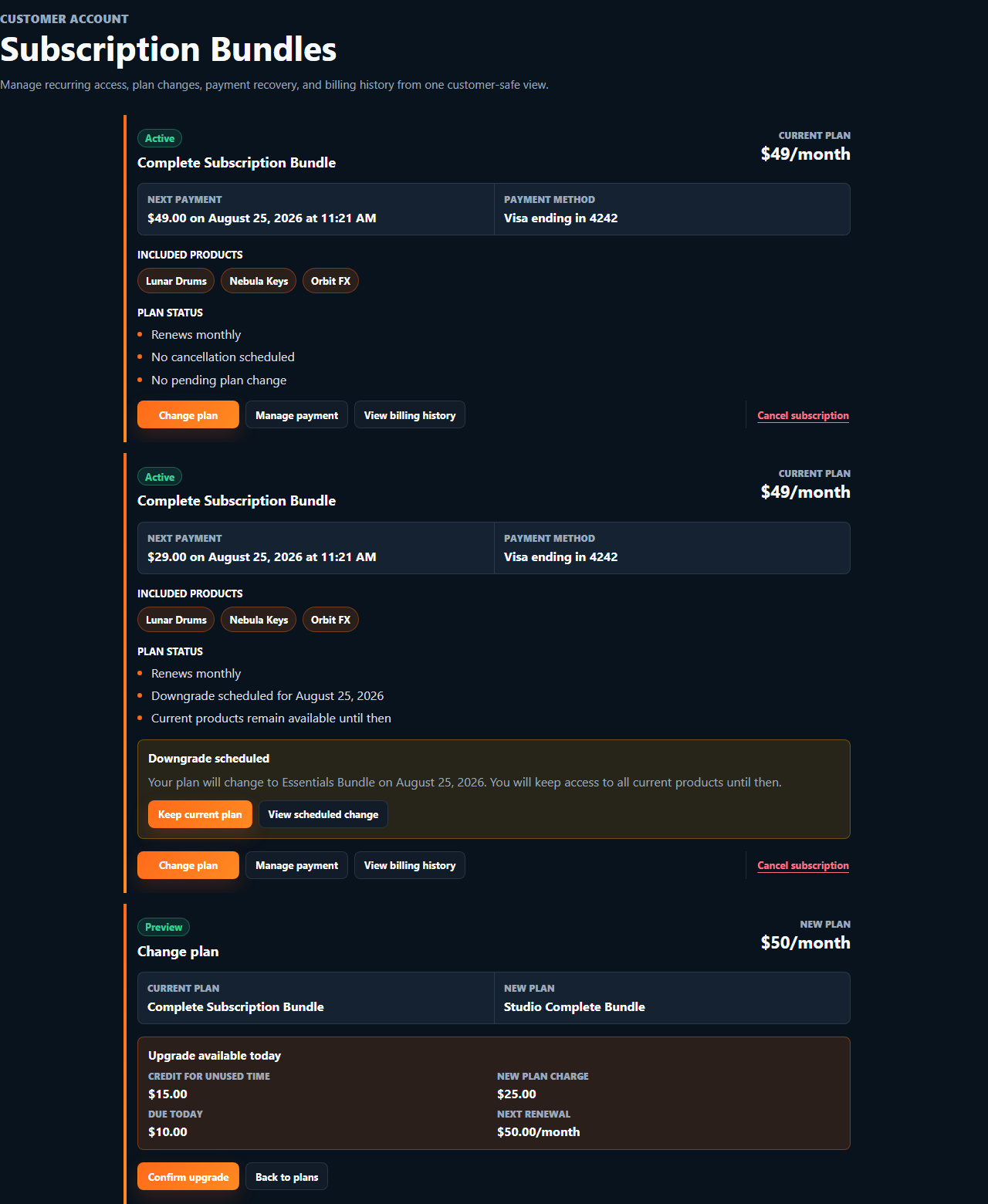
Customer plan changes
-
Read current access
Identify the current subscription and owned/included products.
-
Preview the target
Use the supported change-preview flow to review conflicts, price, proration, and effective timing.
-
Confirm deliberately
Confirm the specific preview under the authenticated customer path; do not recalculate an old preview locally.
-
Handle scheduled changes
Distinguish immediate changes from next-period changes and use cancel-scheduled-change where supported.
-
Inspect provider and access state
Confirm the resulting subscription, library, and product entitlements.
-
Manage billing
Use the supported billing portal, cancellation/reactivation, or explicit manual-grant billing setup.
A manual grant is not payment authorization
A customer with manually granted bundle access may need a separate billing setup, preview, and confirmation before recurring payment begins. Do not infer permission to charge from the entitlement existing.
Test conflicts, payment failures, refund effects, and plugin validation on the target bundle. A route existing is not proof of every production edge case.
SoundSync
Inside SoundSync