
In-Plugin Store
HISE Store and My Products
Product browsing and authenticated customer access through the supported HISE WebView integration.
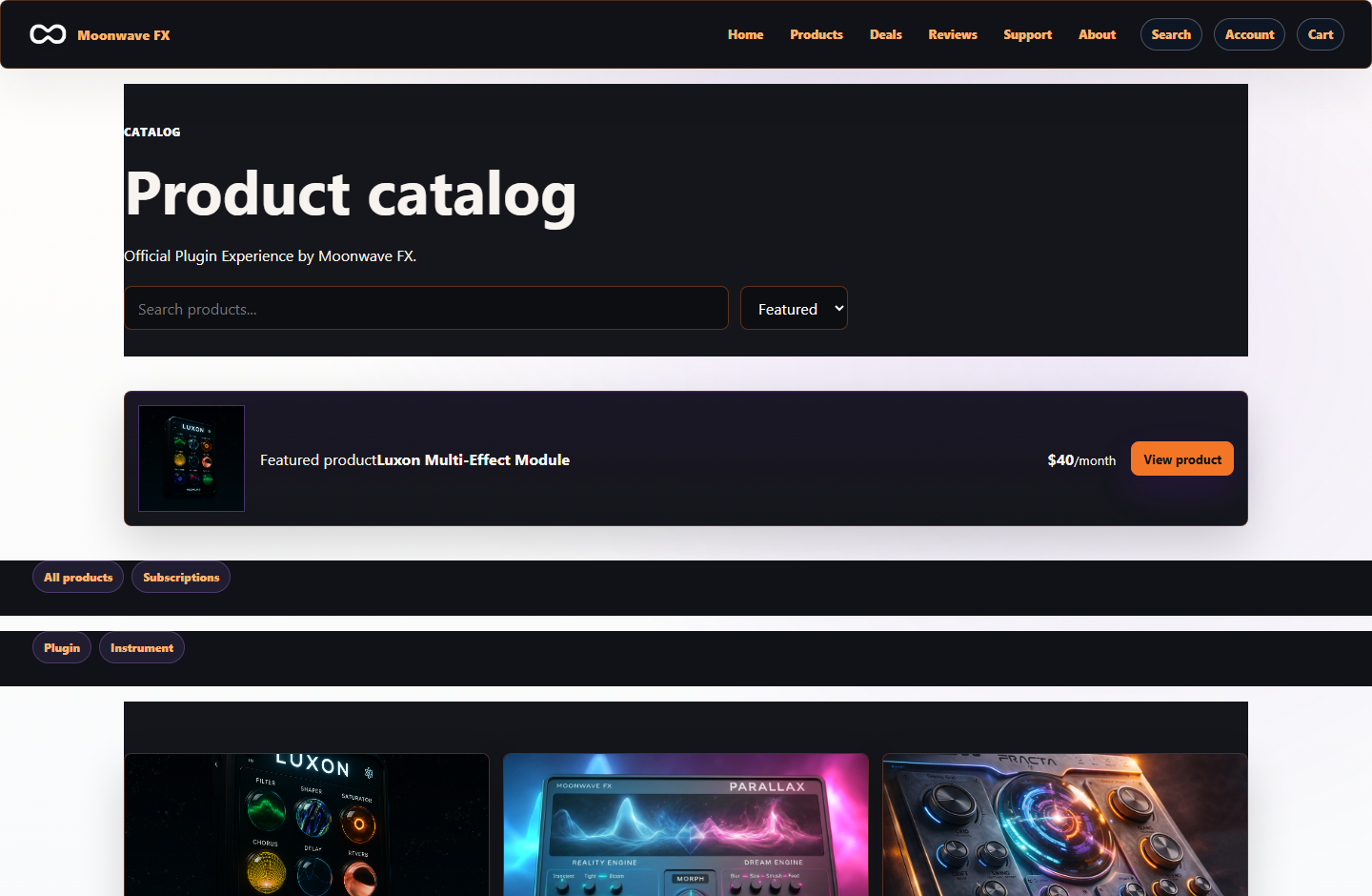
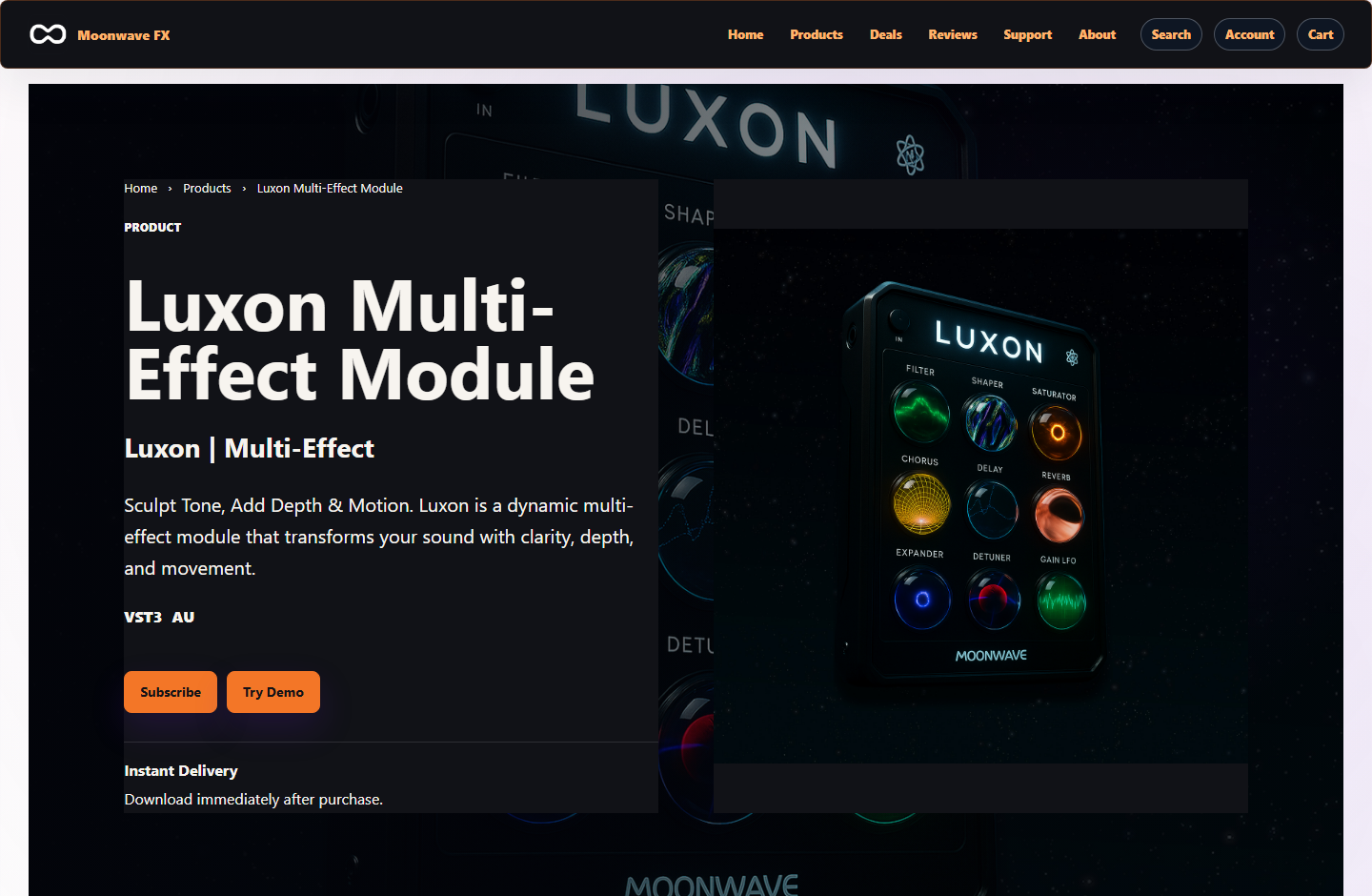
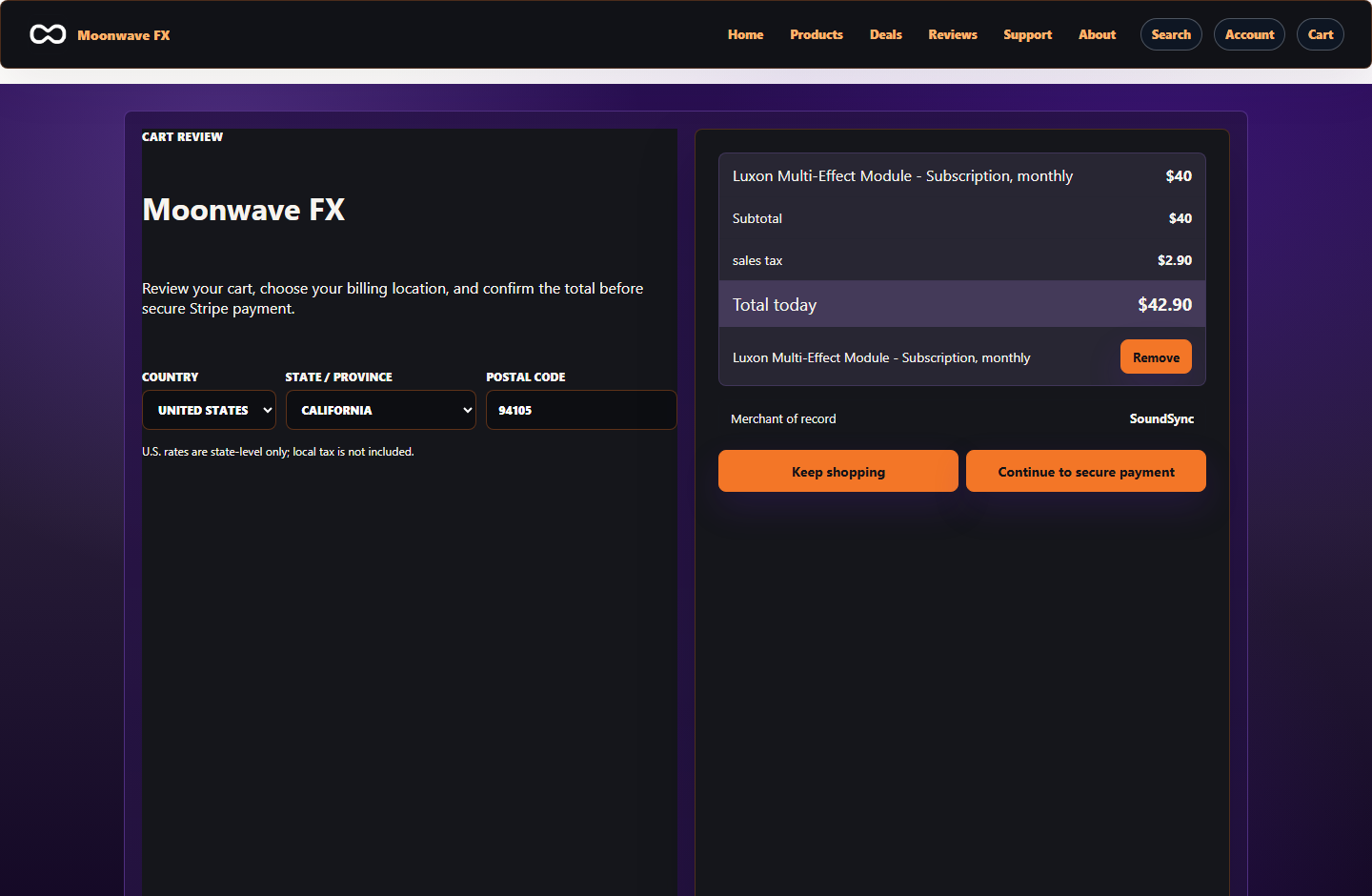
Browsing does not activate the audio license
The Store shows the supported developer catalog, product detail, price/offer, customer navigation, and checkout entry. My Products shows owned access. These customer surfaces use the appropriate storefront/library identity, separate from the machine licensing decision.
SoundSync
Keep the integrations distinct
| Integration | Job |
|---|---|
| HISE licensing package | Activation UI, validation, devices, and protected product access |
| HISE storefront / WebView integration | Customer browsing and owned-product access inside the plugin |
| Hosted storefront | The customer website on a supported branded host |
| Embedded storefront | The supported web commerce integration in another website |
Prepare the connected catalog
Publish the relevant products with accurate imagery, descriptions, prices, delivery, support, and branding. Check product-detail links, customer login, cart/checkout return, and expired-session behavior in the captured package/build.
Subscriptions and downloads shown in customer access must follow the current entitlement and provider state. A Store screenshot does not prove payment completion or native access enforcement.
Use customer identity, not developer access
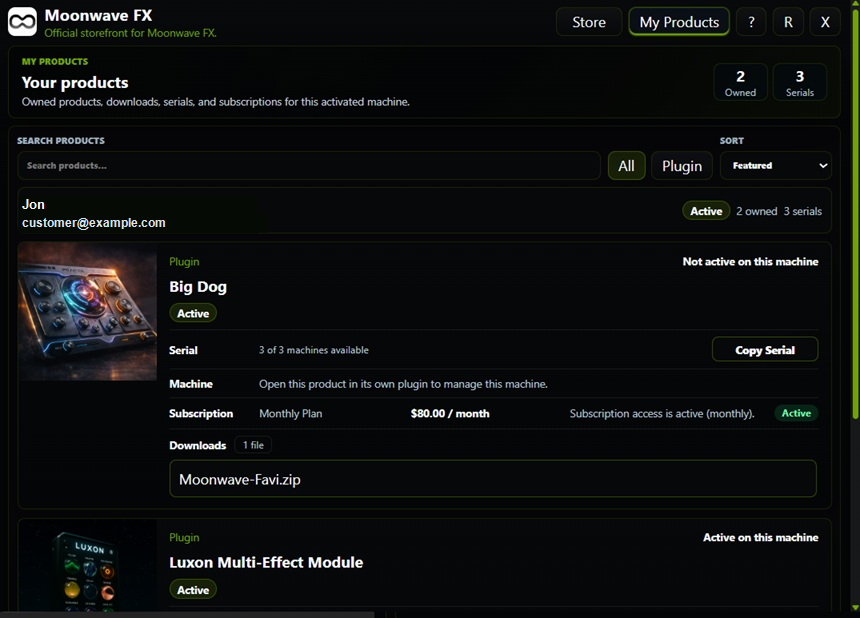
My Products opens the authorized customer-library surface. The customer sees supported owned products, eligible delivery, serial/license information, device actions, subscription context, and support destinations. Do not ship a developer session token to open this view.
Ownership and machine state are different
An owned product can require device activation before audio access. Deactivating one machine does not erase the customer's purchase. Likewise, a portal session expiring does not itself revoke or authorize plugin processing.
SoundSync
Test customer access
-
Owned and unowned products
Verify the library follows entitlement and does not expose another customer's products.
-
Files
Confirm the relevant product/version download is authorized.
-
Device controls
Exercise permitted deactivation and the resulting licensing UI.
-
Subscriptions
Check the supported recurring status and current access period.
-
Session expiry
Renew the permitted customer browsing session instead of reusing developer credentials.
-
Privacy
Sanitize customer names, emails, serials, and tokens in screenshots and logs.
SoundSync
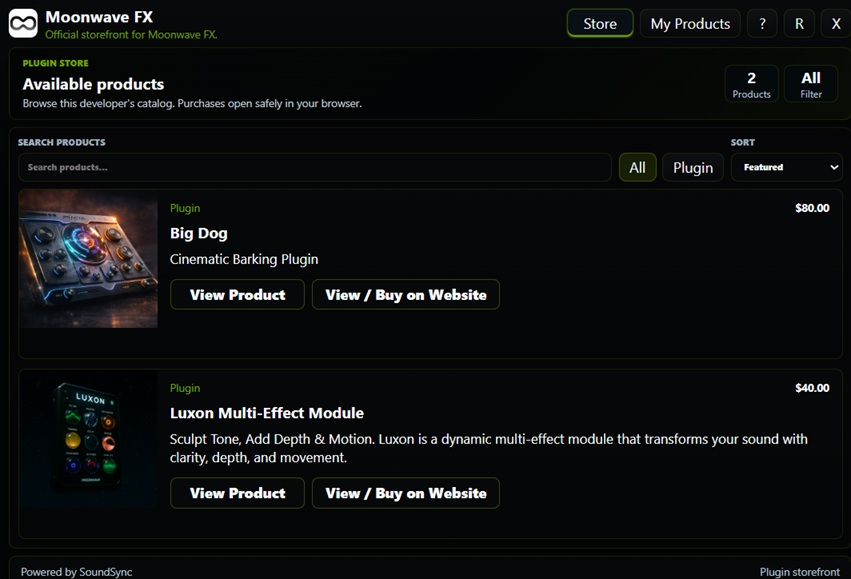
In-plugin Store
The Store capture shows product browsing, product cards, cart entry points, categories, pricing, and product detail navigation inside the plugin surface.
SoundSync
My Products
The My Products capture shows owned products, machine state, downloads, serial counts, subscription visibility, and sanitized customer identity.
SoundSync
Inside SoundSync