Implementation guide
HISE Activation Methods
Account login, serial activation, email verification, activation limits, customer identity, and machine identity for HISE products.
SoundSync
Activation methods
Choose the activation method that matches the customer journey and support model.
| Method | When to use it | Customer experience |
|---|---|---|
| Customer account login | Best when the customer has or creates a SoundSync account. | Customer signs in and the plugin checks ownership and device access. |
| Serial activation | Best when a customer receives a license key or needs to claim access. | Customer enters a key and email, then verifies the claim where configured. |
| Customer-login activation | Best for account-first products and My Products workflows. | Activation links the product to customer identity and library state. |
| Support-assisted recovery | Best for lost access, changed machines, or activation-limit reviews. | Customer follows support route without exposing unrestricted platform data. |
SoundSync
Serial activation
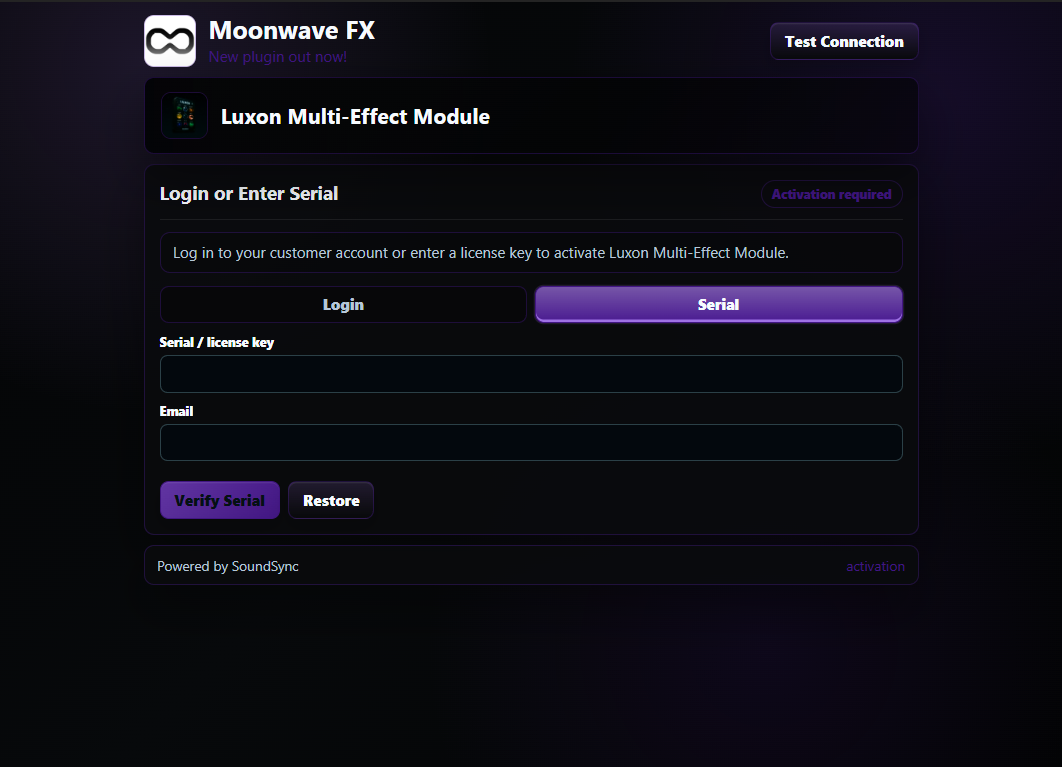
The serial activation capture shows the customer-facing key and email path distinct from account login.
SoundSync
Email verification
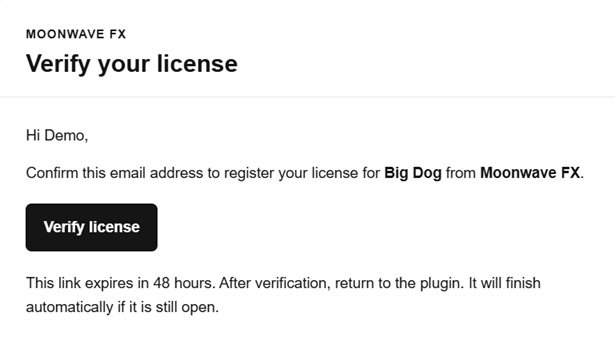
The supplied email verification captures show the claim confirmation path for serial activation.