Implementation guide
SoundSync for HISE
Two product-specific packages: HISEScript and native HISE C++ licensing.
Two packages, two installation paths
HISEScript runs in your HISE project without editing HISE source. Native HISE adds a C++ licensing authority and requires a patched, rebuilt HISE executable plus a rebuilt exported plugin. Generate the variant you intend to ship; their runtime files and build steps are not interchangeable.
Both connect product credentials, serial or account activation, device access, branding, and customer Store/My Products workflows. You still own your instrument or effect interface, DSP, release builds, and customer-facing product support.
SoundSync
Before generating
| Requirement | Check |
|---|---|
| Saved product | Correct product ID, publication state, license mode, activation mode, and delivery |
| Product credentials | The generated variant's product/app contract: standard key/secret for HISEScript; supported public identity for current native clients |
| Brand | Logo, colors, support identity, storefront location, and package configuration |
| Build choice | HISEScript or native HISE; native requires source/build access |
Security and evidence
Credentials and enforcement shipped in client software can be extracted or modified. Native enforcement raises the integration barrier; it is not a piracy-proof guarantee. Keep developer account tokens and partner secrets out of distributed plugins.
This guide describes the current implementation and package instructions. Source review does not certify every host, operating system, provider delivery, or payment lifecycle. Test the exact build and environment you intend to release.
SoundSync
Installation and runtime guides
HISEScript quick start
Copy, include, configure, and exercise the activation paths.
Native HISE setup
Install sources and build the native enforcement path.
Package files
Which files belong to each variant.
Troubleshooting
Differentiate installation, credentials, ownership, and device failures.
SoundSync
Connection check
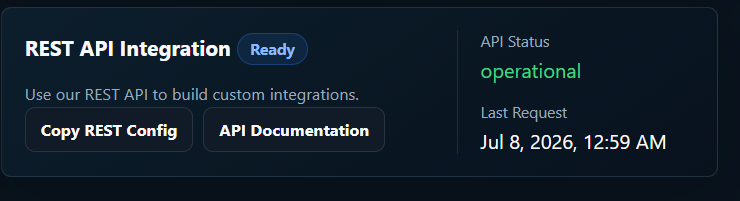
The test connection capture shows the package setup area after REST API integration is ready.