Lifecycle page
HISE Startup Lifecycle
Separate stored state, server authority, activation UI, and protected product access.
SoundSync
Startup decisions
-
Load configuration
Resolve the product, credential scope, activation mode, machine identity, and branding.
-
Read local state
Load the protected cache for this product and device. A stored identity is not proof that access remains valid.
-
Validate silently
Ask SoundSync for the current entitlement/device state where connectivity permits.
-
Apply the result
Use an accepted state to unlock; show activation for missing ownership, invalid credentials, or required customer action.
-
Handle a network failure
Use only the variant-specific permitted grace policy. Never convert a confirmed denial into offline access.
-
Revalidate and deactivate
Refresh access during use according to the package contract. Deactivation releases device use; it does not erase the order.
Native authority and UI are separate
In a native build the activation view communicates state, while the native authority must enforce access in the exported product. In HISEScript the script runtime provides the integration path. Do not infer native protection from a WebView rendering successfully.
Store, My Products, customer portal sessions, and audio licensing have separate responsibilities. Opening a storefront or an expired browsing session is not itself a device deactivation.
SoundSync
Unlocked product state
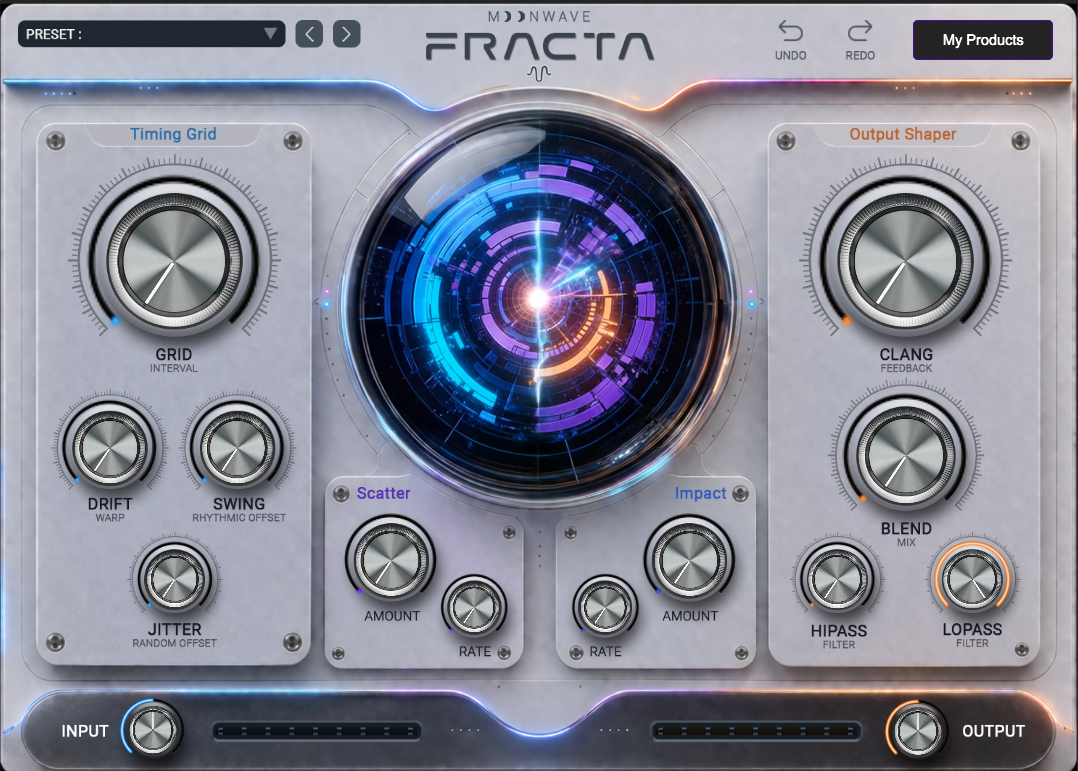
The activated plugin capture shows the product after the package has allowed access.