Verification guide
HISE Test Connection
Check product connectivity without treating it as customer activation.
What the check establishes
Test Connection checks the generated app/product credential relationship and records connection status. It does not grant an entitlement, register an authorized customer device, prove ownership, or unlock audio.
Use the matching package contract: HISEScript uses the standard product key/secret path; current native HISE uses the supported public-client identity. Never substitute a developer account token.
SoundSync
Diagnose a failed check
-
Configuration
Match product and app identity to the saved product.
-
Credential state
Check rotation/revocation and regenerate affected package values.
-
Network
Check the expected origin and connection without logging secrets.
-
Response
Record only the safe status/code and product/package context.
-
Customer testing
After connectivity succeeds, test ownership, activation, validation, and exported audio separately.
Production UI
Hide the development Test Connection control in your released product. Customer support should receive a safe error and the proper activation/support path, not a secret-bearing configuration panel.
SoundSync
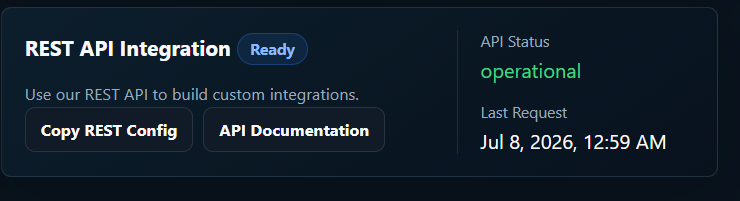
Test connection panel
Use this panel to confirm REST API reachability and product-scoped connection state before runtime testing.